Project Case Study
CSE321 UNIX Shell
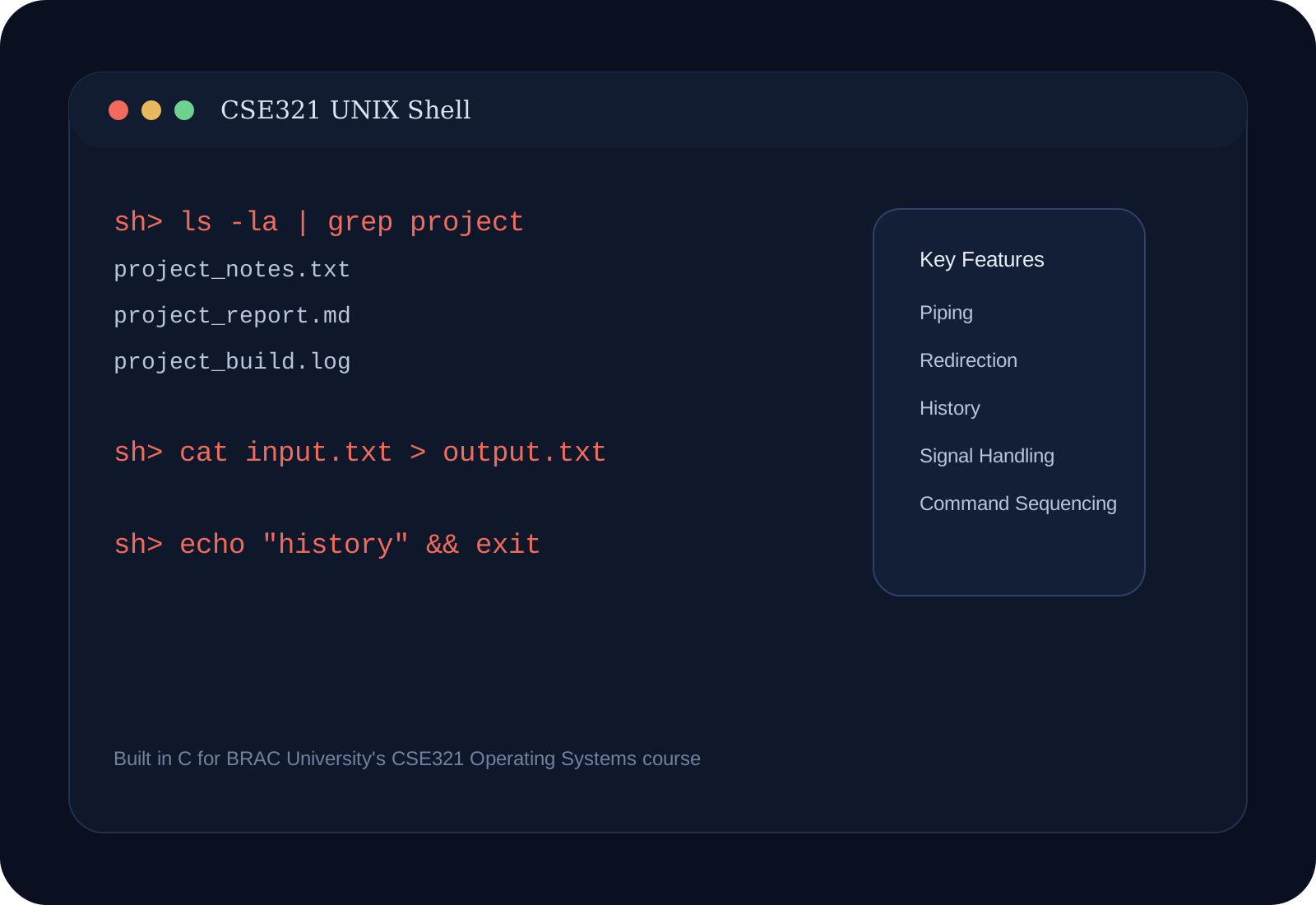
A custom UNIX shell written in C for BRAC University's CSE321 Operating Systems course, supporting redirection, piping, sequencing, and signal handling.
Problem
Operating systems concepts often remain abstract until you build the user-space tools that depend on process creation, input/output, and signal handling. A shell is one of the clearest places where those ideas become visible.
Context
This project was completed as part of CSE321: Operating Systems at BRAC University with my teammates MD Shahadat Hossain Shamim and Aowfi Adon Foraejy. The assignment required us to implement a UNIX shell in C with support for core command-line behaviors.
Goal
Build a shell that could execute basic Linux commands while supporting practical shell features such as redirection, pipelines, sequential execution, and signal handling.
Solution
The shell was designed around a few main capabilities:
- A prompt and parser for reading user commands.
- Execution of standard system commands.
- Input and output redirection with
<,>, and>>. - Arbitrary command piping with
|. - Multiple commands in-line with
;. - Conditional sequence handling with
&&. - A command history mechanism.
- Signal handling so
CTRL+Cterminates the active command rather than the shell itself.
Process
We approached the project by first stabilizing command parsing and process execution, then layering redirection and pipeline support on top. Once the execution flow was reliable, we added history and signal handling to make the shell behave more like a real interactive environment.
Challenges
The hardest part was coordinating multiple low-level behaviors without breaking the shell experience. Parsing pipelines and redirections correctly while managing file descriptors and child processes required careful debugging.
Outcomes
- Built a functional shell in C for the CSE321 operating systems course.
- Strengthened understanding of processes, pipes, redirection, and signal handling.
- Turned core OS concepts into a concrete developer tool rather than only a theory exercise.
Links
Reflection
This project made operating systems feel much more tangible. Building a shell forces you to understand how commands, processes, and user interaction fit together at a systems level.